
KaiOS पर स्क्रीनशॉट कैसे लें
KaiOS गाइड: * + # shortcut, compatibility, Gallery और troubleshooting।
सबसे तेज़ तरीका: *#
क्या होता है: Supported KaiOS devices/versions पर screenshot लेता है।
कहाँ सेव होता है: आमतौर पर Gallery या phone की image storage में मिलता है।
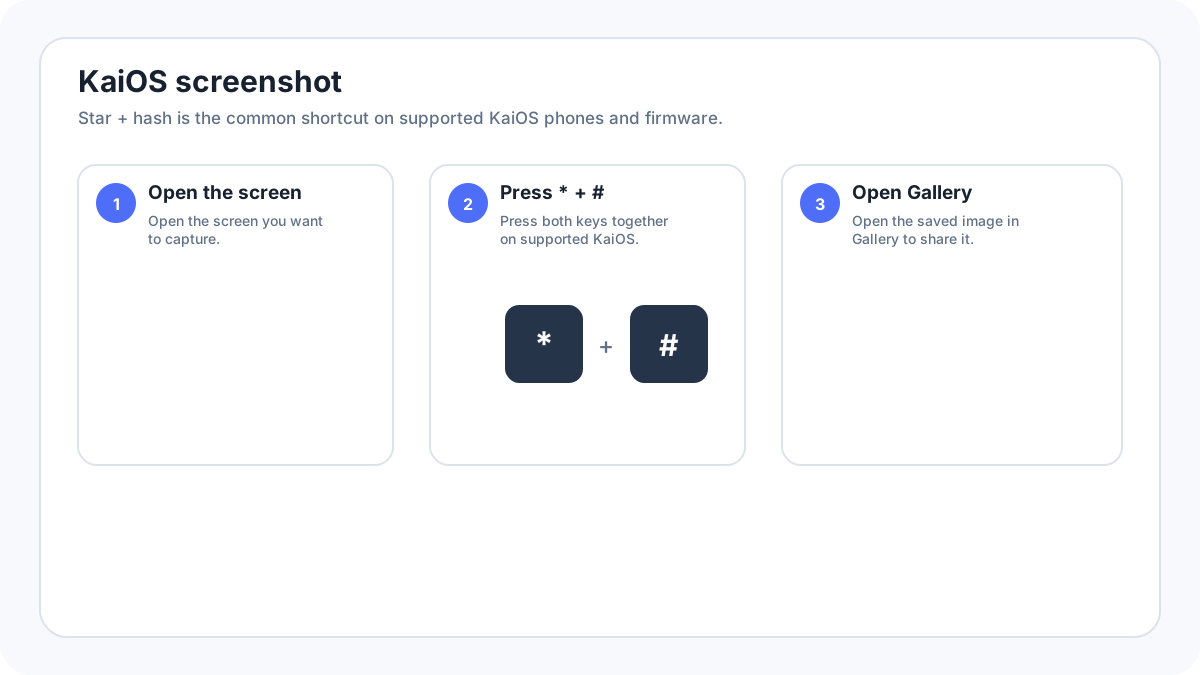
KaiOS phone पर screenshot कैसे लें
- जिस screen को save करना है उसे खोलें।
- * (star) और # (hash) keys एक साथ दबाएँ।
- Screenshot confirmation/animation का इंतज़ार करें।
- Capture खोजने के लिए Gallery या device का image section खोलें।
कौन से KaiOS phones screenshots support करते हैं?
Screenshot behavior KaiOS version और manufacturer/carrier द्वारा दिए firmware पर निर्भर करता है। कई popular KaiOS feature phones star and hash shortcut support करते हैं, लेकिन पुराने firmware build या केवल KaiOS जैसा दिखने वाले किसी दूसरे feature phone OS में यह काम नहीं कर सकता। Operating system और version की पुष्टि के लिए Settings › Device information/about देखें।
*# काम क्यों नहीं कर सकता
- Phone पुराने KaiOS build पर हो सकता है जिसमें यही screenshot behavior नहीं है।
- Manufacturer/carrier firmware shortcut बदल सकता है।
- Current app secure display setting इस्तेमाल करके screenshots रोक सकती है।
- Keypad दोनों keys को साथ दबाने पर register न करे; deliberate simultaneous press आजमाएँ।
- Device KaiOS की जगह कोई दूसरा feature phone operating system चला सकता है।
KaiOS screenshots कहाँ save होते हैं
Supported devices सामान्यतः captures को Gallery/image storage में उपलब्ध कराते हैं। Storage paths और SD card options handset के अनुसार बदलते हैं, इसलिए desktop style folder path मानने की बजाय पहले Gallery देखें।
KaiOS screenshot share करना
Gallery में image खोलें और phone द्वारा दिए sharing options इस्तेमाल करें। Availability installed apps, data connectivity और device software पर निर्भर करती है। यदि screenshot evidence है या private information रखता है तो forward करने से पहले उसे ध्यान से देखें, क्योंकि feature phone editors में modern smartphones की तुलना में कम redaction tools हो सकते हैं।
KaiOS screenshot privacy और secure apps
KaiOS developer documentation में secure display behavior है जिसे applications screenshots disable करने के लिए इस्तेमाल कर सकती हैं। यदि home screen capture होती है लेकिन एक app नहीं, तो restriction को intentional मानें और उसे defeat करने की कोशिश न करें।
सत्यापन स्रोत: KaiOS Developer Documentation, Security features. इंटरफ़ेस के शब्द सिस्टम संस्करण, निर्माता और कीबोर्ड लेआउट के अनुसार थोड़ा बदल सकते हैं।