
Where Are Screenshots Saved on Android?
Find Android screenshots in Google Photos, Samsung Gallery and common Screenshots folders, with fixes for missing images.
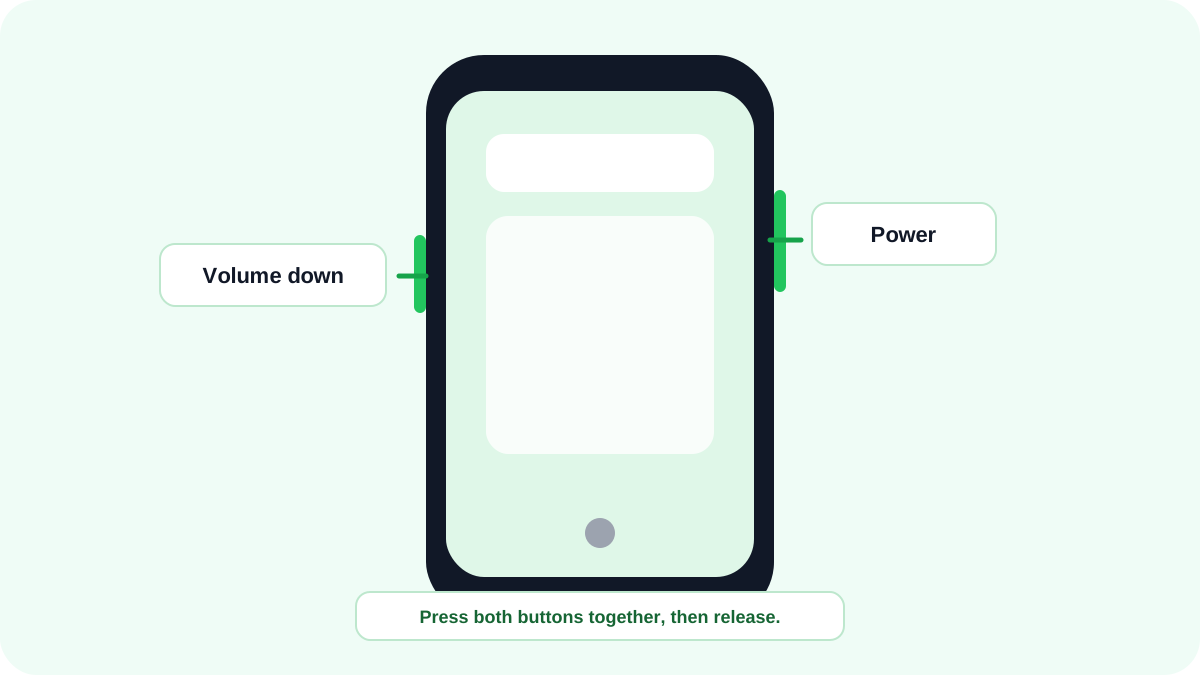
Android screenshots are normally grouped separately from camera photos, but the exact app and folder name depends on the manufacturer. Start with Google Photos or the phone maker’s Gallery app, then check the file manager if you need the actual folder.
Where do screenshots appear in Google Photos?
Google’s current Android guidance directs users to Photos, then Collections, then On this device, then Screenshots. The wording can move as Google Photos changes, but the Screenshots collection remains the key place to look.
Where are Samsung screenshots saved?
On Samsung Galaxy devices, open Gallery and look for the Screenshots album. Samsung My Files can also expose screenshot images under Images. If a work profile or Secure Folder was used, the screenshot can be stored inside that separate profile instead of the personal gallery.
What is the common Android file path?
Pictures/Screenshots is a common file system location on many Android devices, but it is not guaranteed across every brand and Android version. Use the manufacturer Gallery or Files app instead of assuming one universal path.
How do you find a screenshot immediately after capture?
- Look for the screenshot preview or notification immediately after taking it.
- Tap the preview to open the image and use Share or Edit.
- Open Photos or Gallery and sort by newest media.
- Search for the Screenshots album or collection.
- Use the Files app and search for recently modified image files if the gallery does not show it.
Why is the screenshot missing?
- The capture was blocked by the app or work profile.
- The phone storage is full or nearly full.
- You are looking in Google Photos while the manufacturer Gallery has the local image, or the reverse.
- The screenshot was taken inside a separate work or secure profile.
- A cleanup or gallery app moved the file.
Do scrolling screenshots use the same folder?
Long screenshots generally appear with normal screenshots, but manufacturer editors can save them with different dimensions or filenames. If you used an app specific export instead of the system screenshot feature, check that app’s chosen destination too.
FAQ
Are Android screenshots backed up automatically?
Only if your photo backup or cloud service is configured to include the Screenshots folder or collection. Local capture and cloud backup are separate settings.
Can a screenshot exist without appearing in Gallery?
Yes. A media index can be delayed, or the image can live inside a work, secure or app specific location. Check the Files app and the profile where the screenshot was created.
Related Android guides
- Main Android screenshot guide
- Scrolling screenshots
- Samsung Galaxy screenshots
- Screenshot without buttons
Verification source: Google Android Help: Take a screenshot or record your screen. Interface wording can vary slightly by OS build, manufacturer and keyboard layout.