
Where Are Screenshots Saved on a Chromebook?
Find Chromebook screenshots in Downloads, change the Screen Capture folder and troubleshoot missing files.
ChromeOS normally saves screenshots and screen recordings to the Downloads folder. Google also copies a new screenshot to the clipboard so you can paste it immediately into a compatible app.
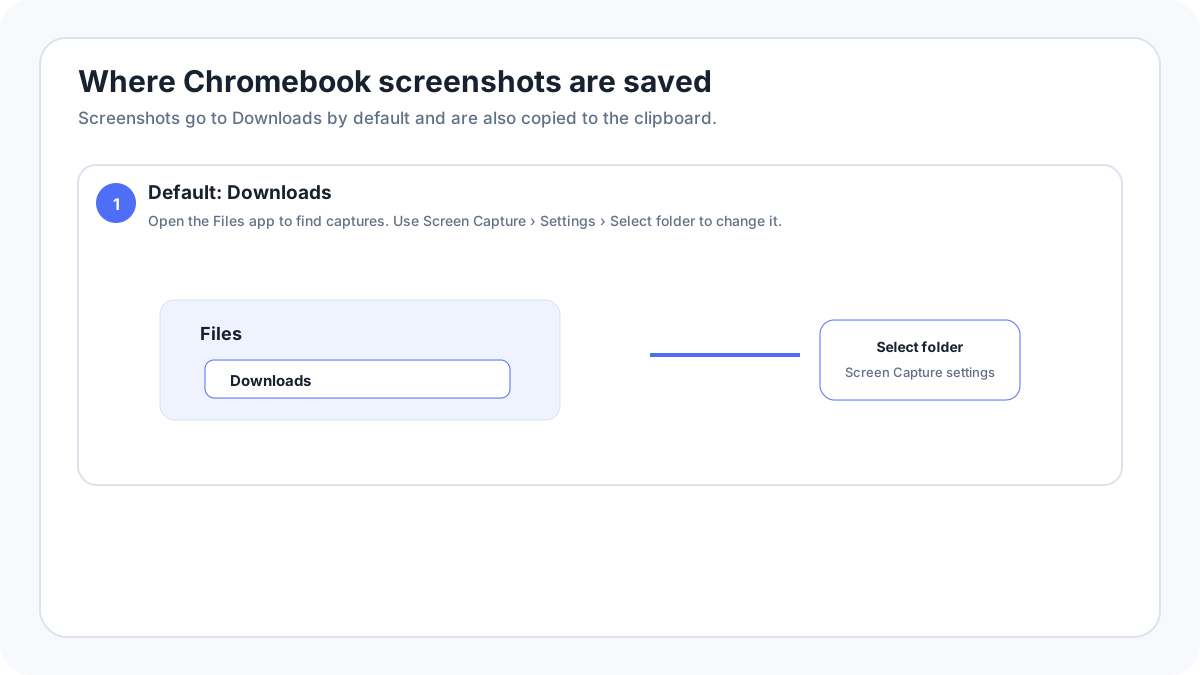
Where is the Downloads folder?
- Open the Launcher.
- Open the Files app.
- Choose Downloads in the left sidebar.
- Sort by date or look for the newest screenshot image.
How do you change the screenshot save folder?
Open the ChromeOS Screen Capture interface, open its settings and choose the folder option when it is available. Select a destination you can find easily, then take a test screenshot to confirm that new captures go there.
What does “copied to clipboard” mean on Chromebook?
The screenshot can be pasted into a document, chat, image editor or other compatible app without first browsing to the file. Clipboard availability is temporary, so rely on the saved file when the screenshot matters.
Why is the screenshot missing from Downloads?
- The Screen Capture destination was changed to another folder.
- A school or work administrator controls file locations.
- The screenshot was deleted or moved after capture.
- The device storage is full.
- You are looking in Google Drive while the capture was saved locally, or the reverse.
Are screen recordings stored in the same place?
ChromeOS normally uses the configured Screen Capture destination for recordings as well. Because videos are much larger than screenshots, check free local storage before making a long recording.
How do you move a screenshot to Google Drive?
Open Files, select the screenshot and move or copy it into My Drive when Google Drive is available on the Chromebook. If you use a school or work account, administrator policies can affect which storage locations are available.
FAQ
Can I paste a Chromebook screenshot without finding the file?
Yes. ChromeOS copies new screenshots to the clipboard, so you can paste directly into a compatible destination.
Why does my Chromebook save somewhere different from another Chromebook?
The Screen Capture destination can be changed, and managed devices can have administrator controlled storage behavior.
Related Chromebook guides
Verification source: Google Chromebook Help: Take a screenshot or record your screen. Interface wording can vary slightly by OS build, manufacturer and keyboard layout.