
How to Take a Screenshot on an OPPO Phone?
OPPO screenshot methods with Power + Volume Down, three finger capture, long screenshots, save location and troubleshooting.
OPPO phones use Android with ColorOS, so the most dependable starting method is the standard hardware shortcut: press PowerVolume Down together. ColorOS versions can also provide three finger capture, assistive controls and long screenshots. Menu names can move between ColorOS releases, so use the method that appears on your phone rather than forcing instructions from a different version.
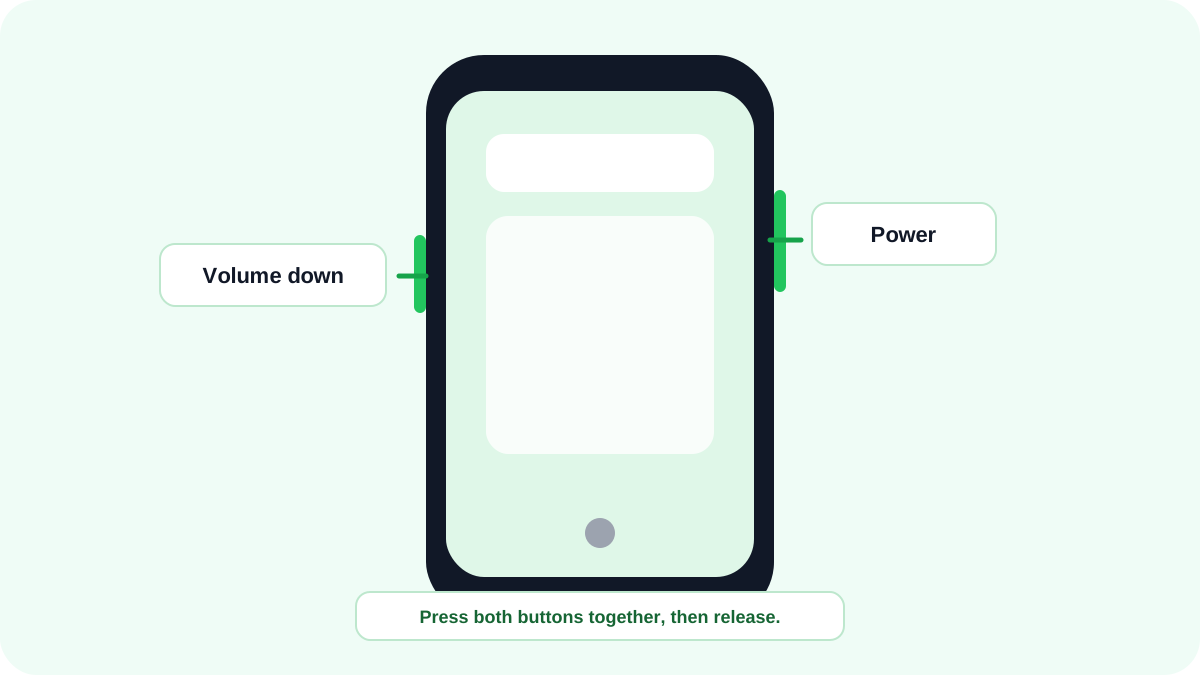
Quick method: PowerVolume Down
- Open the page, conversation, app or screen you want to capture.
- Press PowerVolume Down at the same time.
- Release after the screenshot animation/preview appears.
- Tap the preview if you want to crop, annotate, share or start a long screenshot when ColorOS offers that option.
Use a three finger screenshot on supported OPPO phones
ColorOS has supported a three finger screenshot gesture on many OPPO devices. Depending on the ColorOS version, the setting may appear under Gestures, Convenience tools, Additional settings or a similar screenshot menu. If a three finger swipe does nothing, search Settings for “screenshot” instead of following an old menu path exactly.
How to take a long screenshot on OPPO?
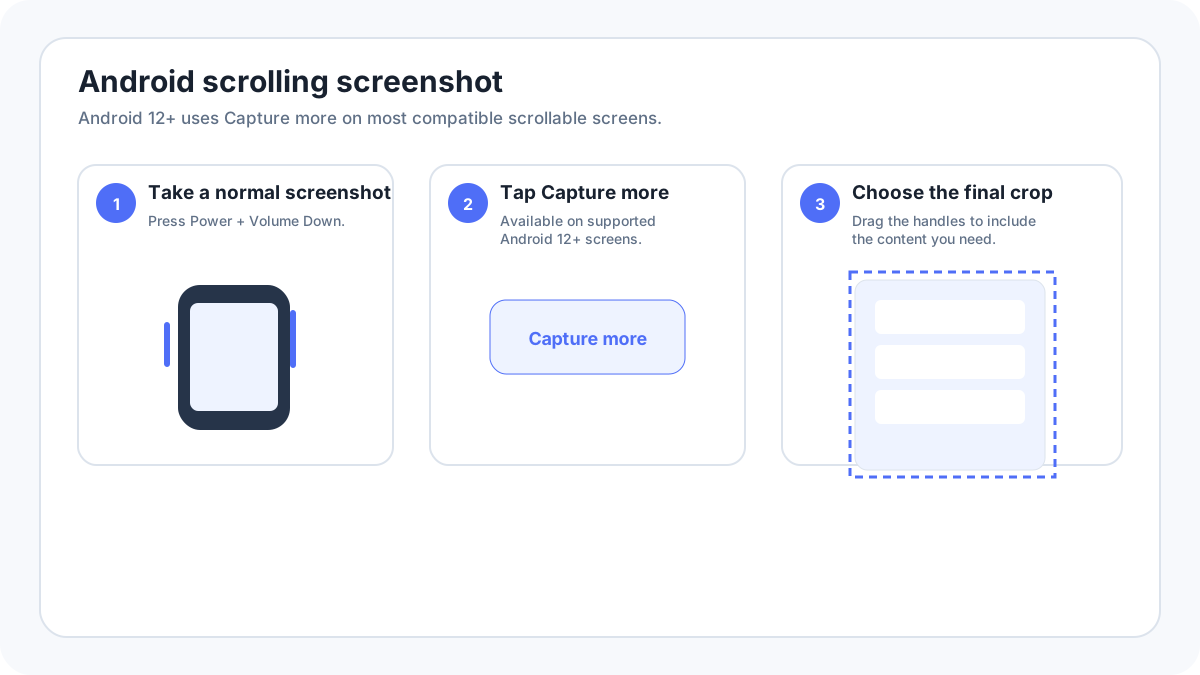
After a normal screenshot, supported ColorOS versions can show a Long screenshot or scrolling capture control. Open it, allow the page to continue through the content you need, then finish/save. Long capture only works when the app exposes scrollable content; protected screens, some games and some embedded views may not support it.
Where OPPO screenshots are saved?
Screenshots normally appear in the Photos/Gallery app in a Screenshots album. If you cannot find one, use the Gallery search/filter tools or Files and look for a Pictures/Screenshots style folder. Cloud gallery settings can affect where you notice the image first, but the screenshot is normally created locally before sync.
OPPO screenshot not working
- Press Power and Volume Down together rather than one after the other.
- Remove a tight case temporarily if it blocks either button.
- Search Settings for “screenshot” and check whether the gesture is enabled.
- Try the standard button shortcut before troubleshooting a gesture.
- Test on the home screen; if capture fails only inside one app, that app may intentionally block screenshots.
- Check free storage if previews appear but files do not remain in Gallery.
What about OPPO A series and older ColorOS phones?
Queries such as OPPO A57 screenshot usually do not justify a separate page when the actual capture methods are the same. The physical shortcut remains the safest first test, while gesture and long screenshot menus vary with the ColorOS version installed on that specific phone.