
How to Take a Screenshot on a vivo Phone?
vivo screenshot guide covering Power + Volume Down, three finger capture, S capture, long screenshots and troubleshooting.
On current and many recent vivo phones, the quickest screenshot method is PowerVolume Down. Funtouch OS also provides S capture and, on supported versions, a three finger gesture plus long/rectangular screenshot tools. Because vivo changes menu wording across versions and regions, this guide focuses on the functions rather than one brittle Settings path.
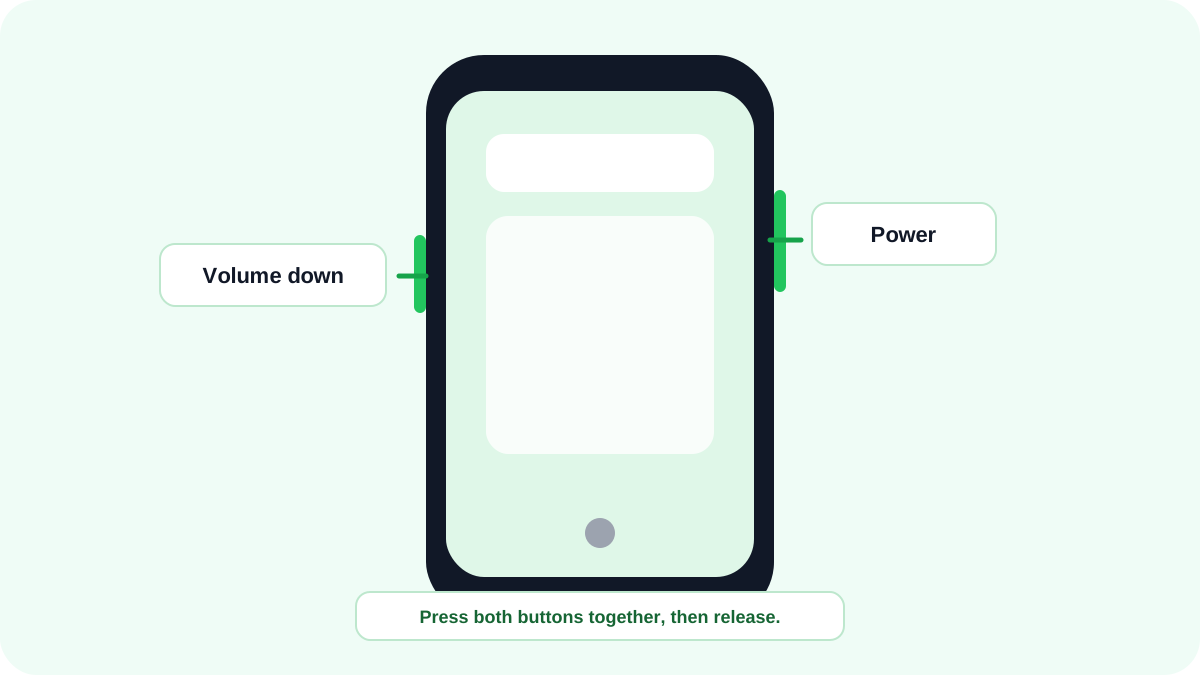
Take a quick screenshot on vivo
- Display the content you want to save.
- Press and hold PowerVolume Down together briefly.
- Release when the screenshot confirmation appears.
- Use the floating preview to edit/share when available, or open Albums/Gallery later.
Three finger screenshot
Many Funtouch OS versions allow a three finger downward swipe for quick capture. If the gesture is disabled, search Settings for S capture or “screenshot.” Do not assume an older Settings path will match a newer phone: vivo has moved these controls between versions.
Use S capture
S capture is vivo’s broader capture panel on supported devices. It can expose screenshot choices beyond the basic hardware shortcut, including rectangular capture and screen recording on some versions. Open Control Center and look for S capture when you need more than a simple full screen image.
How to take a long screenshot on vivo?
When S capture offers a long screenshot, start the long capture mode, define the beginning of the region if prompted, continue through the content and save when the required section is included. Long capture is designed for scrollable content and may not appear in every app.
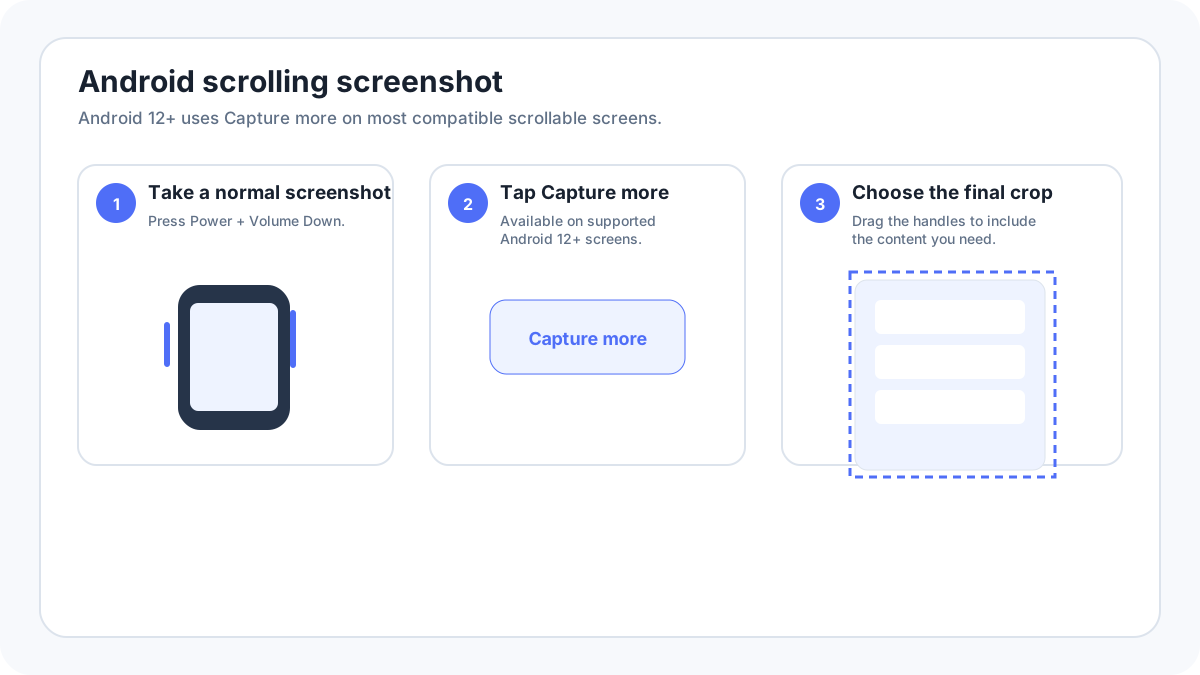
Where vivo screenshots are saved?
Open Albums, Gallery or Photos and look for the Screenshots album. If the phone uses a custom file manager, you can also search for recent PNG/JPEG images or a Screenshots folder. Exact paths can vary by Funtouch OS generation.
vivo screenshot not working
- Test PowerVolume Down on the home screen first.
- Check whether three finger capture is enabled if you rely on the gesture.
- Open S capture from Control Center to separate a gesture problem from a screenshot system problem.
- Check storage space and Gallery permissions if the capture animation appears but the file cannot be found.
- If only one app returns a black image or blocks capture, respect the app’s security/content protection behavior.
Older vivo models
Older model searches such as vivo Y17 screenshot can be handled here because the core shortcut is stable while interface labels vary. A separate page should only be created when a model has materially different hardware or screenshot behavior, not merely because the model name receives searches.