
How to Screenshot One Window on Mac?
Capture one Mac window or menu with Shift Command 4 and Space, with shadow, clipboard and troubleshooting options.
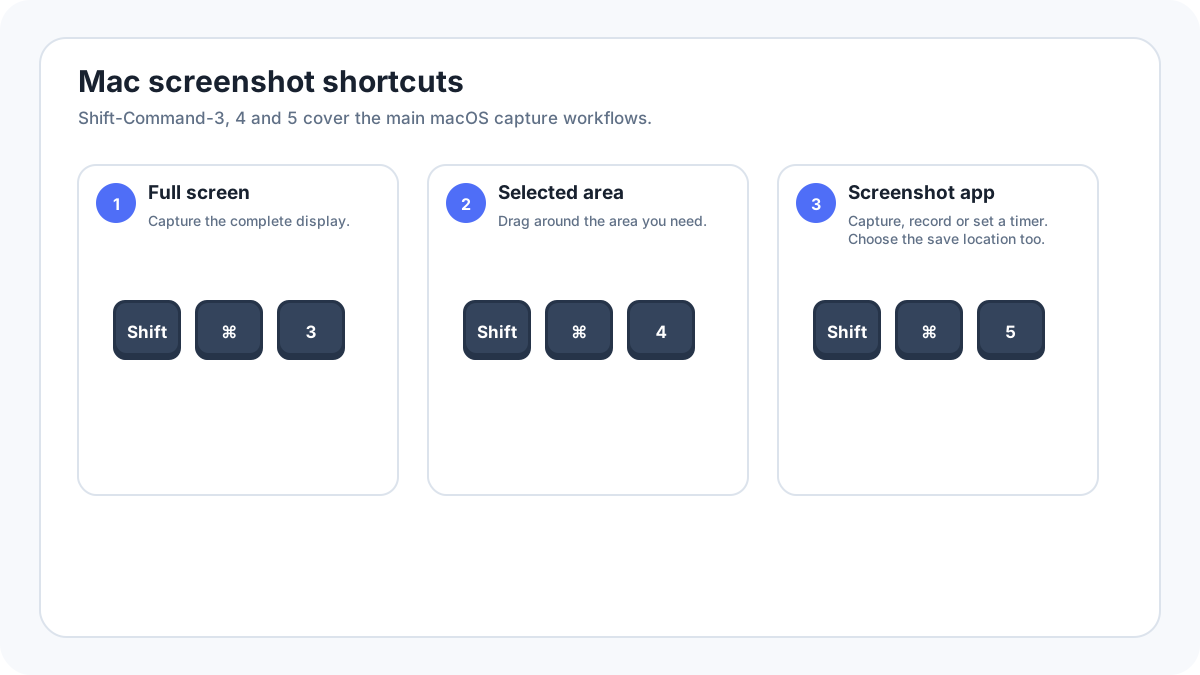
macOS can capture one window directly, so you do not need to take the full screen and crop it afterward. The standard shortcut is ShiftCommand4, followed by Space.
How do you capture one window on Mac?
- Open the window or menu you want to capture.
- Press ShiftCommand4.
- Press Space. The pointer changes to a camera.
- Move the camera over the target window so it is highlighted.
- Click the window to capture it.
How do you remove the window shadow?
Apple documents that you can hold the Option key while clicking the window to exclude its shadow. Use the shadow when you want a natural Mac window appearance, and remove it when you need a tighter documentation image.
How do you copy the window to the clipboard instead of saving a file?
Add the Control key to the screenshot shortcut when you want the result on the clipboard. You can then paste it into a document, message or image editor. This is useful when you do not need a separate file on the Desktop.
Where is the window screenshot saved?
By default, Mac screenshots are saved to the Desktop. Press ShiftCommand5 and open Options if you want to choose another location. If you used the clipboard version of the shortcut, paste the screenshot into another app and save it there.
How do you capture a menu?
Open the menu, use the same ShiftCommand4 then Space workflow, and click the highlighted menu or window when macOS lets you target it. For a difficult temporary element, ShiftCommand5 gives you more capture controls and timer options.
What if the camera highlights the wrong thing?
- Move the pointer slowly over the exact window you want.
- Use a selected area capture with ShiftCommand4 if the app is made from several separate panels.
- Use ShiftCommand5 when you need a timer or more control.
- Check Spaces or full screen apps if the target window is not on the current desktop.
Privacy before sharing
A one window screenshot can still include document names, browser tabs, account information and sidebar content inside that application. Review the result and crop or redact unrelated private details.
More Mac screenshot guides
- Main Mac screenshot guide
- Where Mac screenshots are saved
- Mac screen recording
- Scrolling screenshot on Mac
Verification source: Apple Support: Take screenshots or screen recordings on Mac. Interface wording can vary slightly by OS build, manufacturer and keyboard layout.