
Where Are Screenshots Saved on Mac?
Find Mac screenshots, change the save location with Shift Command 5 and understand clipboard only screenshots.
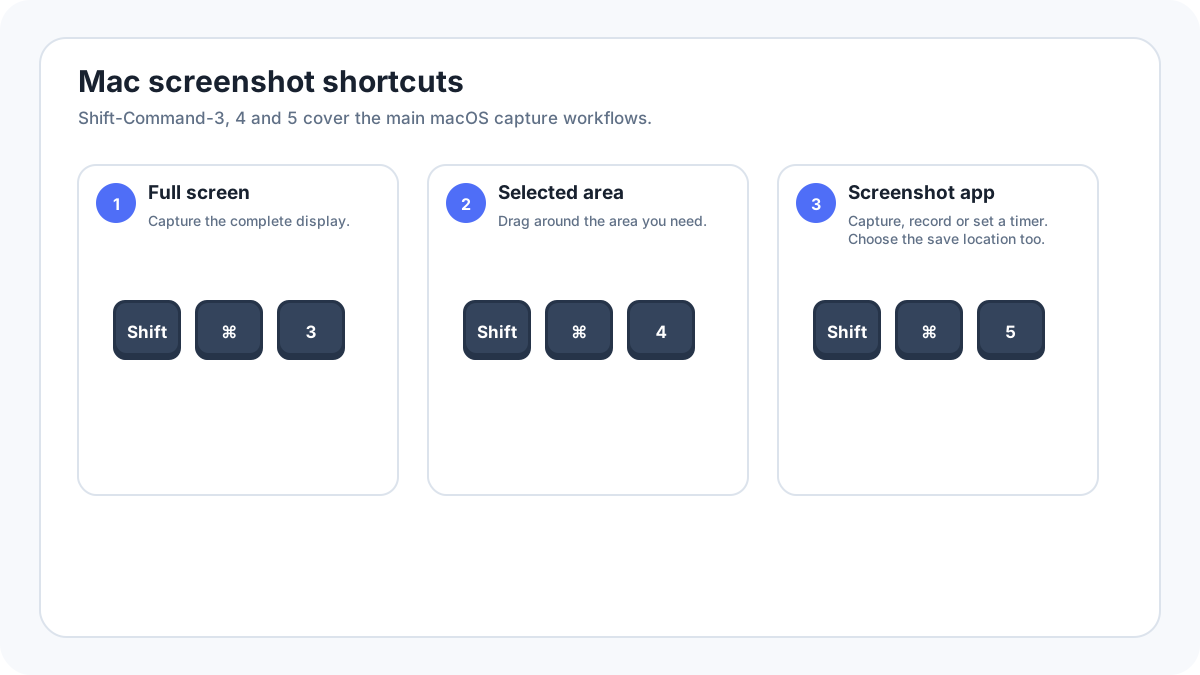
Mac screenshots are saved to the Desktop by default, but the Screenshot app can change the destination. A shortcut that includes the Control key can also send the capture to the clipboard instead of creating a normal file.
Where are Mac screenshots saved by default?
Open Finder and check the Desktop. macOS screenshot filenames normally include the words Screen Shot or Screenshot plus a date and time, depending on language and macOS version. Sort the Desktop by Date Added or Date Modified if you have many files.
How do you change the screenshot folder?
- Press ShiftCommand5.
- Open Options.
- Choose one of the listed save locations, or choose Other Location.
- Take a test screenshot.
- Confirm that the new file appears in the selected folder.
What if the screenshot is only on the clipboard?
When you add Control to a Mac screenshot shortcut, the capture can be copied to the clipboard instead of being saved as a normal file. Paste it into Preview, Mail, Messages, a document or an image editor and save it there if you need a permanent copy.
What is the floating screenshot thumbnail?
After a capture, macOS can show a temporary thumbnail in a corner of the screen. Click it to edit or share, drag it into another app or folder, or let it disappear so the screenshot finishes saving to the configured destination.
Why can’t you find a Mac screenshot?
- Check the save location in ShiftCommand5 › Options.
- Look on the Desktop and in Recents.
- Try pasting with Command + V in a compatible app to see whether you used a clipboard shortcut.
- Check iCloud Drive if Desktop and Documents syncing is enabled.
- Confirm that the Mac has enough free storage.
Can iCloud move the screenshot?
If Desktop and Documents folders are stored in iCloud Drive, a screenshot saved to the Desktop can appear inside the iCloud managed Desktop. Finder still presents the Desktop normally, but the underlying storage can be cloud synced.
FAQ
Can I make Mac screenshots save somewhere other than the Desktop?
Yes. Use ShiftCommand5, open Options and select another save location.
Why did my screenshot not create a file?
You may have used a clipboard shortcut with Control, dragged the floating thumbnail somewhere else, or changed the save destination in Screenshot Options.
Related Mac guides
Verification source: Apple Support: Take screenshots or screen recordings on Mac. Interface wording can vary slightly by OS build, manufacturer and keyboard layout.